Don’t Make Me Think: How to Cut Your Website’s Bounce Rate in Half Through Intuitive User Guidance
Apr 21, 2026
The internet has radically changed our reading habits. We no longer read word for word; we scan. We aren’t looking for perfection; we’re looking for the quickest solution to our problem. The moment a user has to pause and think on your website—“Where do I find the contact info?” or “What happens if I click here?”—you’ve already lost half of them. Intuitive user guidance isn’t a luxury; it’s a basic requirement for turning casual visitors into qualified leads.
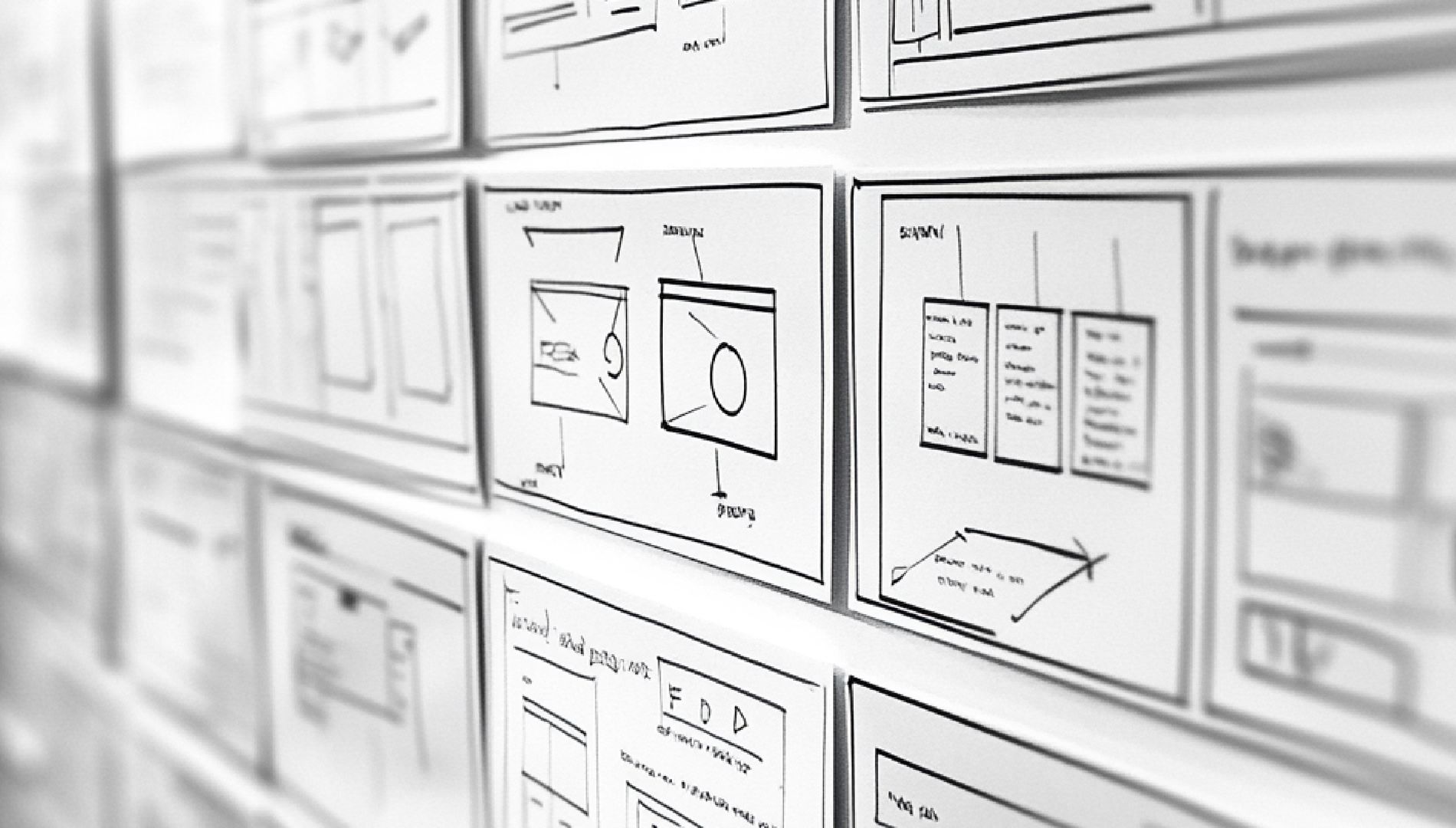
As web design experts, we know that the best websites are the ones that don’t need to be “explained.” They feel intuitive. They anticipate the user’s next move before the user even consciously plans it.
Intuition beats complexity: We design digital pathways that are so clear, your visitors don’t even have to think. By radically simplifying the information architecture and providing precise visual guidance, we reduce your bounce rate and lead users directly to their destination—your inquiry—without any detours.
1. The Law of Cognitive Ease
Every interaction with a website consumes mental energy. The more energy a user has to expend to navigate the site, the more likely they are to get frustrated and abandon it. “Don’t make me think” means keeping the cognitive load as low as possible.
A classic example is the menu: don’t overload it with 12 different items. The brain can hold about 7 pieces of information in short-term memory at a time. Anything beyond that leads to decision paralysis. We sort through the content for you, prioritize the most important elements, and hide the secondary ones where they won’t get in the way.
2. Visual hierarchy: Guide the eye, don’t leave it to chance
A user should be able to tell within a second what the most important element on the page is. We achieve this by:
- Size and Contrast: Important calls to action (CTAs) must stand out both visually and spatially.
- White space: Space around an element signals importance. A cluttered page overwhelms the user; a well-structured page guides them gently.
- Visual Guidance: We use design elements such as images or graphic lines that subtly guide the user toward the desired action.
3. Meeting expectations: Don’t reinvent the wheel
Innovation in design is great—except when it comes to usability. Over the years, users have learned how the internet works:
- The logo is located in the top-left corner and links to the home page.
- The search function is usually located in the top right corner or indicated by a magnifying glass.
- Underlined or highlighted text is a link.
Anyone who breaks these established patterns in an attempt to be “especially creative” ends up burdening their users with unnecessary mental effort. We combine your unique brand identity with these proven standards so that your customers immediately feel “at home.”
4. Feedback Loops: Making Interaction Tangible
Nothing is more unsettling than clicking a button and getting no response. Intuitive guidance provides the user with immediate feedback:
- Buttons change color when you hover over them (hover effect).
- A loading bar indicates progress.
- Confirmation messages after submitting a form alleviate uncertainty (“Did that go through?”).
Bottom line: Less thinking, more conversions
A website that guides its users through the process isn’t just read all the way through more often—it also builds trust. Professionalism is reflected in the clarity of the processes. If you want to cut your website’s bounce rate in half, you need to break down the mental barriers your visitors face.
Is your navigation an invitation or a maze?